
Change your CRM by describing what you need.
Need a new field, a new table or a new page? Tell Developer AI in plain English. It already knows the platform and reads your live database, works out the change with you, and writes the exact instructions Claude Code follows to build it in your copy of the code. You own the source, so every change is yours to keep.
See your whole database
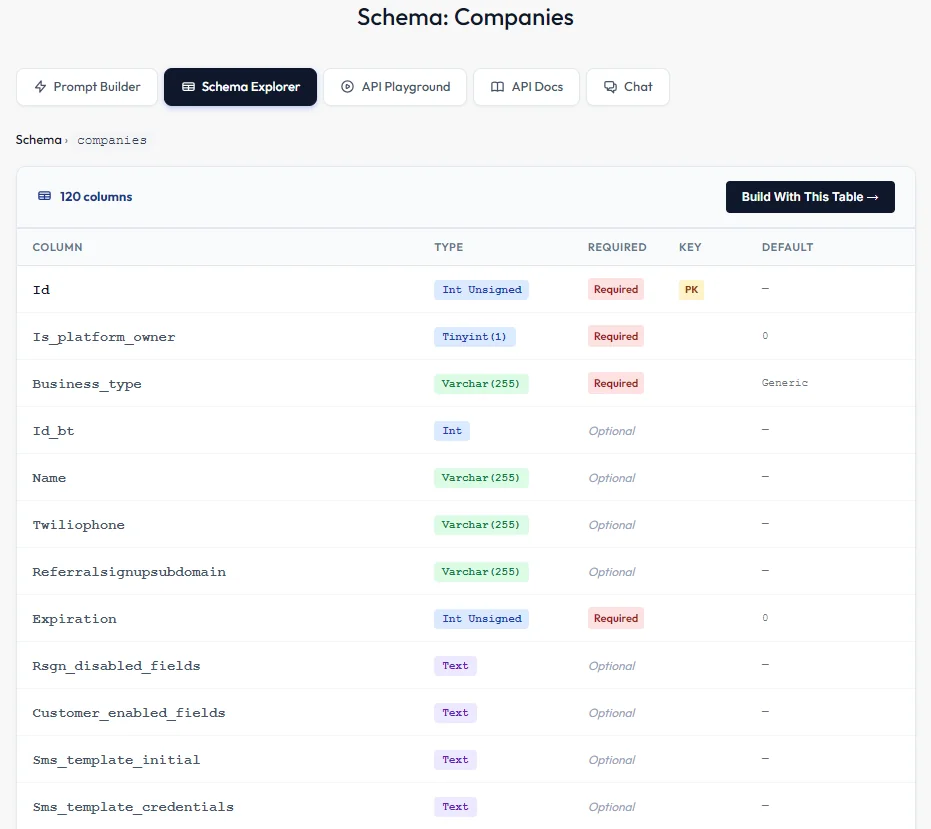
The Schema Explorer lists every table in your CRM. Open one to see each column's type, whether it's required, its key and its default value, so you and the AI are working from the same picture.
From a request to a ready prompt
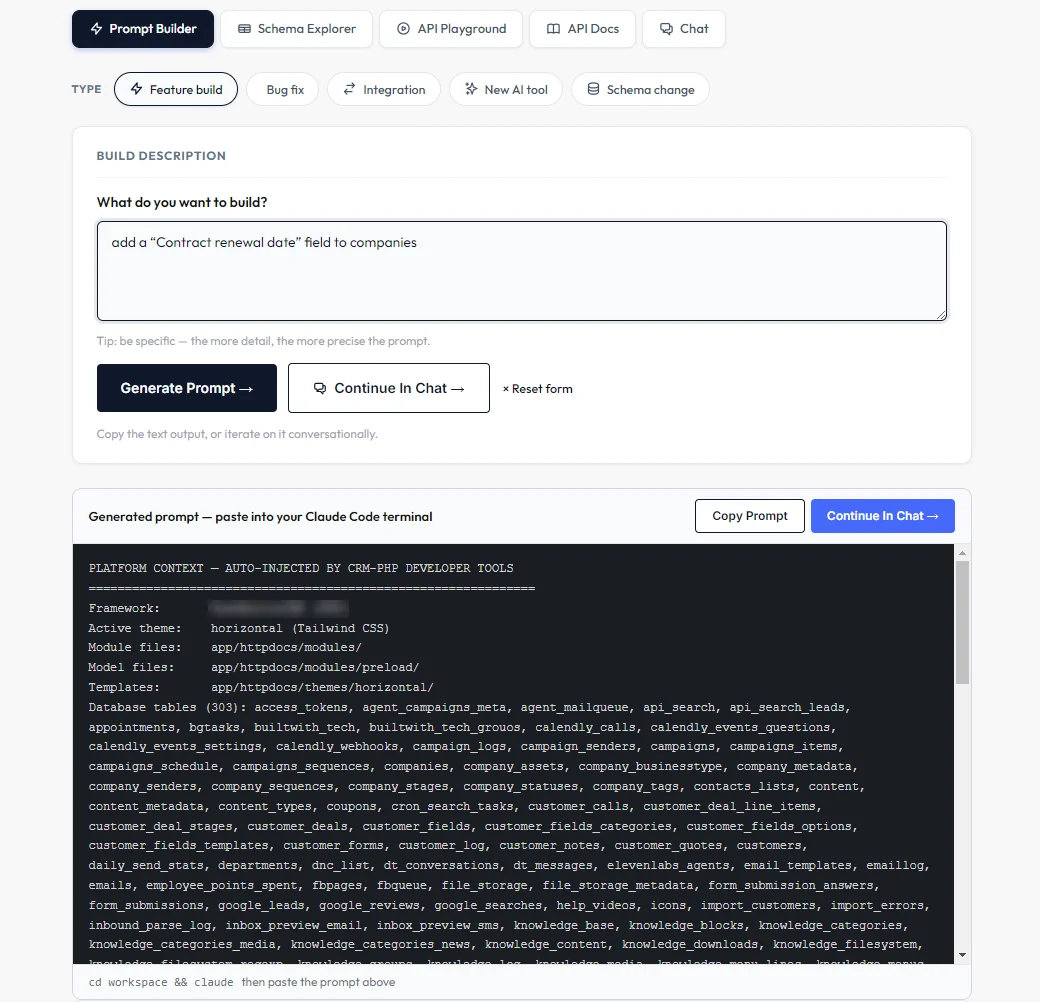
Type what you want built and the Prompt Builder turns it into a complete prompt for Claude Code, with your platform's files and database tables filled in. Pick a feature build, bug fix, integration, new AI tool or schema change, or start from one of its ready-made scaffolds, then copy the prompt or keep refining it in chat.
An engineer that already knows your CRM
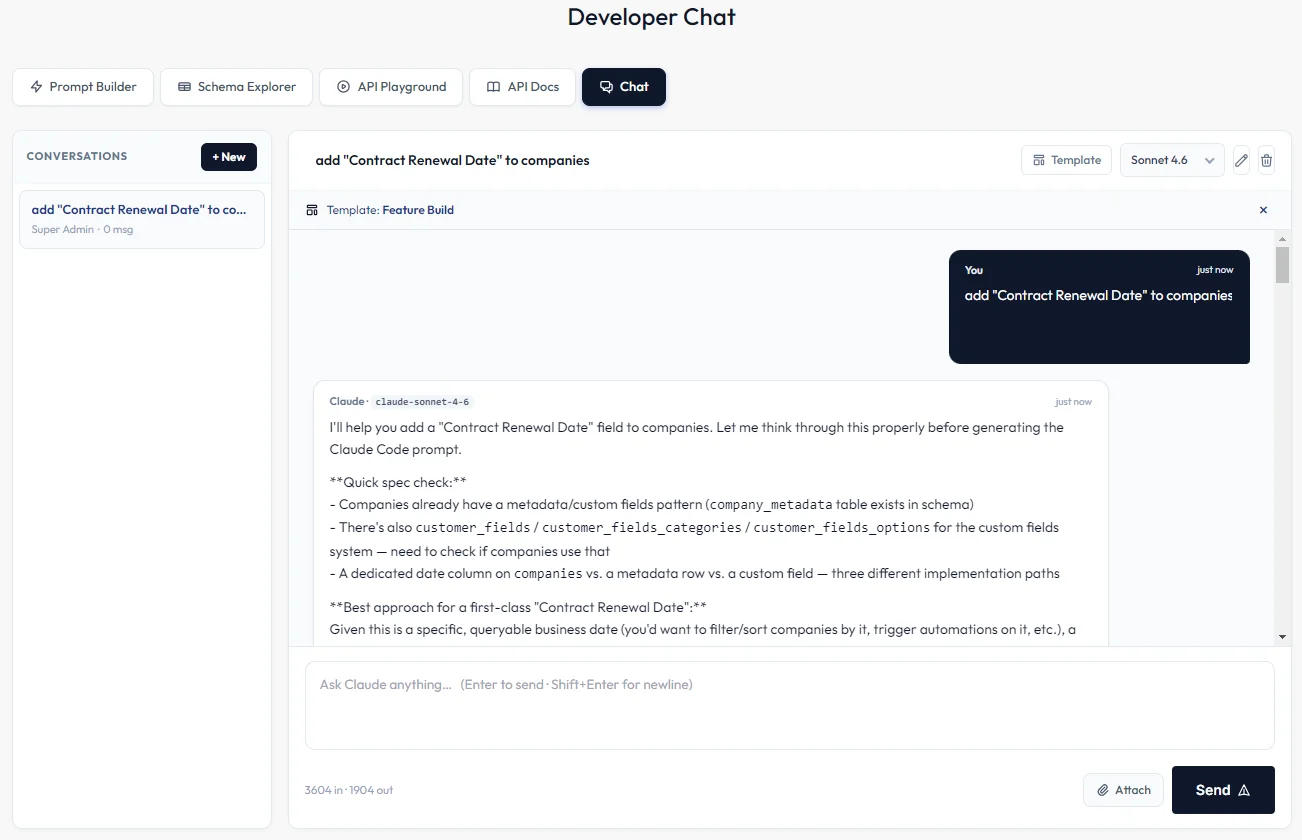
Developer Chat is built into the admin panel. It knows the platform's conventions and modules, can see your database tables and columns, and answers with code and prompts ready to copy. Attach files or screenshots, and every conversation is saved so you can pick it up later.
- Start a chat as a new feature, bug fix, integration, new AI tool or schema change
- Each type loads a template with the rules for that kind of change
- Code comes back in copy-ready blocks
New fields and tables
Ask for a new field or table and Developer AI checks what already exists first, so you don't end up with duplicates. It then writes the schema change and the screens that use it as one prompt for Claude Code.
Try your API
Send requests to your CRM's API from the API Playground and look up every endpoint in the API Reference, without leaving the admin panel.
These parts of Developer AI run on the services below, connected with your own accounts.
Anthropic Claude
Developer Chat
Claude Code
Applying changes to your code
AI Agents
Scheduled AI agents that find new leads, verify them and send your campaign at a safe warm-up pace.
Learn more →Landing pages & forms
Offer pages from a guided wizard and native forms that drop leads straight into the CRM.
Learn more →Reports
Team activity by rep, a leaderboard, campaign results and today's numbers on your dashboard.
Learn more →