
Keep clients happy after the job is done.
Take support requests through a web form or your customer portal, answer them as tickets, and publish a knowledge base so clients can help themselves.
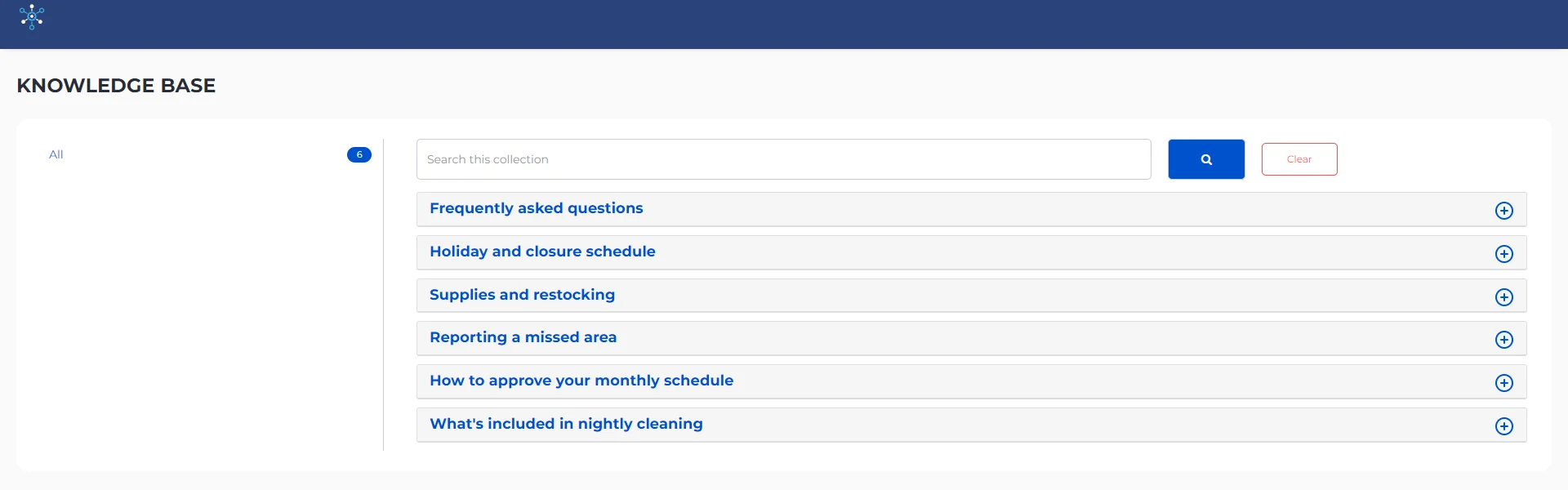
Knowledge base
Write public or private articles, embed them on your website, and host the knowledge base on your own domain. Clients can search it and open answers without signing in.
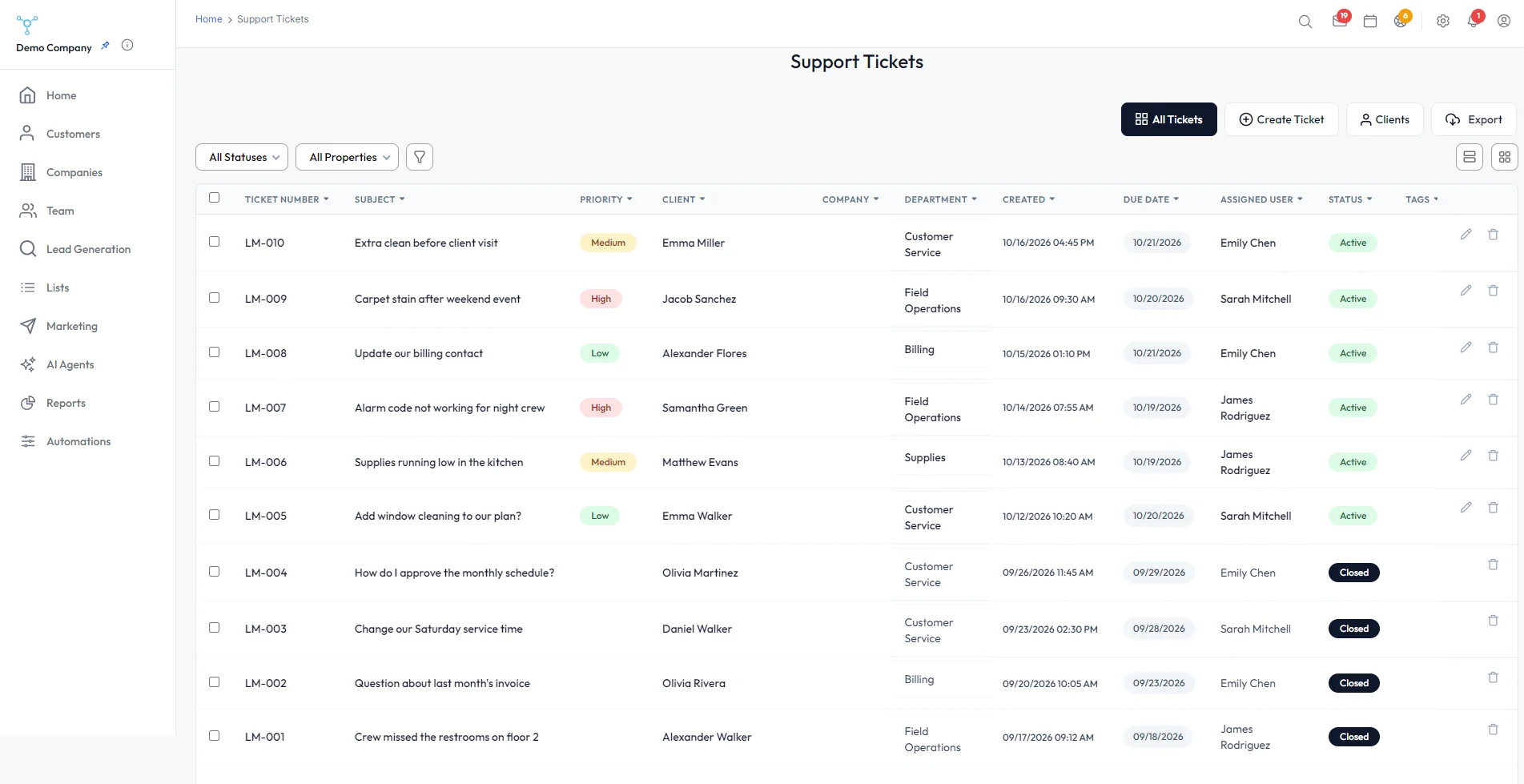
Tickets
Requests from your support form and customer portal arrive as tickets your team can assign, answer and close. Set a priority, department and due date on each one, filter by status, and export the list.
Customer portal
Clients log in to open tickets and follow their progress, under your logo.
Quotes, jobs & invoices
E-signed quotes, jobs with dates, teams and a client portal, then invoices, payments and balances.
Learn more →Landing pages & forms
Offer pages from a guided wizard and native forms that drop leads straight into the CRM.
Learn more →Contacts & pipeline
Contacts, companies and deals in one place, with drag-and-drop boards, editable stages and deal values.
Learn more →